
How to delete Epic Games account is something many users want to know when they no longer play games or want to remove their personal information. If you are thinking about saying goodbye to your Epic Games account, you are not alone. Many people want to close their account for privacy reasons, to stop receiving emails, or just because they are done with the platform. In this guide, we will explain everything you need to know about deleting your Epic Games account in simple and easy steps. You don’t need to be a tech expert to follow this guide, and by the end, you will understand the entire process clearly.
Deleting your Epic Games account is not just about clicking a button. It involves understanding what happens when you delete your account, like losing your purchased games, items, and progress in all Epic Games. This means that all the games you bought or free games you claimed will be gone forever. If you play Fortnite, Rocket League, or other Epic Games titles, your progress, skins, and items will be permanently removed. So, before deleting, it is important to think carefully. Also, Epic Games takes some time to process deletion requests to make sure you really want to close your account. This helps prevent accidental deletions. You will also need access to your account email and password because Epic Games will ask you to verify your identity. The good news is that Epic Games provides a clear way to delete your account safely and securely, and you can follow our guide step by step to do it without stress.
How to Delete Epic Games Account: Complete Step-by-Step Guide
Deleting your Epic Games account is easier than you think if you follow the steps carefully. First, you need to log in to your Epic Games account using your email and password. Once logged in, go to your account settings and find the “Account” or “Personal Info” section. Here, you will see an option to request account deletion. Epic Games will ask you to verify your identity by sending a confirmation email. Click the link in your email to confirm your request. After confirmation, your account will enter the deletion process. Remember, once the account is deleted, you will lose all your games, progress, and items, so think carefully before confirming.
Why You Might Want to Delete Epic Games Account
There are many reasons why someone might want to delete their Epic Games account. Some users no longer play the games, while others want to protect their personal information online. If you receive too many emails or notifications from Epic Games, deleting your account can help stop this. Some players might want a fresh start with a new account or need to close their account for privacy reasons. Deleting the account is also helpful if you share your device with someone else and do not want them to access your games or purchases. Whatever the reason, knowing how to delete Epic Games account gives you control over your online information.
Things to Know Before You Delete Epic Games Account
Before you delete your Epic Games account, it is important to understand what happens. When you delete, all your purchased games, free games, in-game items, and progress will be permanently lost. You cannot recover these items later, so think carefully. Epic Games will also remove your friends list and any linked accounts, like PlayStation, Xbox, or Nintendo accounts. The deletion process might take several days, and you need to confirm your request through your email. If you are unsure, you can contact Epic Games support to ask questions. Preparing for deletion helps you avoid mistakes and ensures your account is removed safely.
How to Delete Epic Games Account Using a Web Browser

Deleting your Epic Games account using a web browser is simple and clear. Open your favorite browser and go to the Epic Games website. Log in with your email and password, then click on your profile and open “Account Settings.” Find the “Delete Account” or “Request Account Deletion” option. Epic Games will ask you to verify your identity by sending a confirmation email. Open your email and click the link to start the deletion process. Make sure to read the warnings carefully before confirming. Following these steps ensures your account is removed safely without losing personal data to mistakes or errors.
How to Delete Epic Games Account on Mobile Devices
If you want to delete your Epic Games account on a mobile device, the process is almost the same as on a browser. First, open your phone’s browser or the Epic Games app and log in with your account details. Go to “Account Settings” and select “Request Account Deletion.” Epic Games will send a verification email to your registered email address. Open the email and confirm the deletion. Remember, deleting from mobile still removes all games, purchases, and progress permanently. Make sure your email works properly and follow all the steps carefully. Doing it right helps you delete your account safely without any problems.
What Happens After You Delete Epic Games Account
After you delete your Epic Games account, everything linked to it will disappear. All your purchased games, in-game items, and progress will be gone forever. You will lose access to all Epic Games titles and cannot recover your account. Friends lists and linked accounts will also be removed. Epic Games may keep some information for security reasons, but your account itself will no longer exist. You also cannot log in or play games with that account anymore. Knowing what happens after deletion helps you prepare, save important data, and make sure you really want to close your account before starting the process.
How Long Does It Take to Delete Epic Games Account
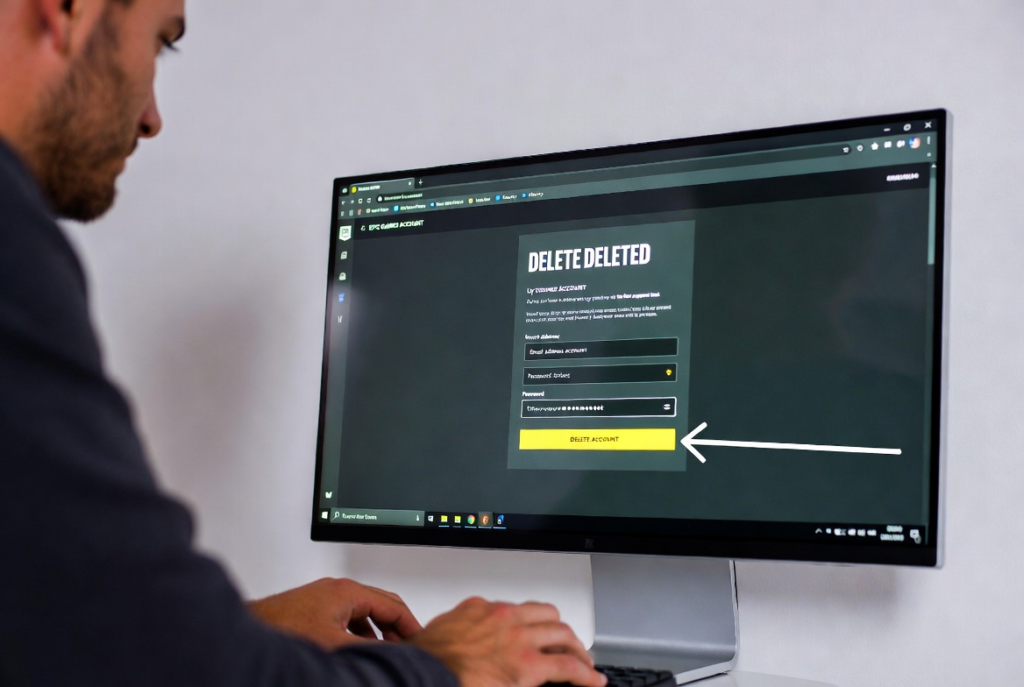
The time it takes to delete an Epic Games account can vary, but usually, it takes a few days for the process to complete. After you request deletion and confirm it via email, Epic Games starts processing your request. During this time, your account will remain inactive, and you cannot use it. Make sure to check your email for updates about the deletion. Epic Games does this to prevent accidental deletions and ensure that the account owner really wants to close it. By knowing how long it takes, you can plan ahead and save any data you want before the deletion is finalized.
Conclusion
Deleting your Epic Games account is an important step if you want to protect your personal information or stop using the platform. It might seem a little scary at first, but if you follow the correct steps, it is very easy. Remember, you will lose all your games, progress, and items, so make sure you are ready. Take time to save any important information before starting the deletion.
Once you start the deletion, Epic Games will send emails to confirm your request and keep you updated about the process. This helps make sure that your account is closed safely. You cannot log in or use the account during deletion, so be patient and follow all instructions carefully.